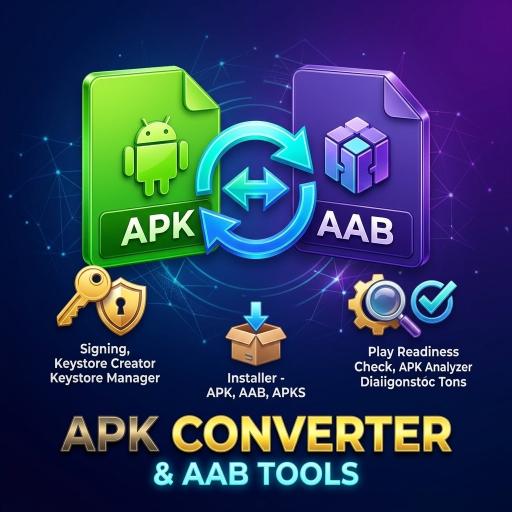
When you need this
New apps on Google Play must be uploaded as an AAB (Android App Bundle), but an AAB cannot be installed directly on a phone. To test on your own phone or hand a build to a friend, you need an installable APK.
If you do not have a computer, you can do this on the phone itself. This guide walks through the steps with Apk Converter & AAB Tools.
Before you start
Do this only with apps you own or have permission to modify.
- The AAB file: keep your .aab file in the phone’s storage.
- A keystore: your signing keystore and its password. If you do not have one, the app can create a PKCS12 keystore.
- Free space: a universal APK is usually larger than the AAB, so leave some room.
Converting the AAB to an APK
Open the converter section of the app and pick your AAB file. Choose universal APK as the output, which is a single file that runs on any device. Then provide your keystore for signing and run the conversion.
The free version allows 3 conversions a day. Premium has no limit.
To test on several devices separately you can also produce APKS, and merge an APKS back into a single APK when you need one.
Check it before you install
Before installing, use the APK analyzer and permission viewer to see which permissions it asks for and which SDKs it contains. This helps with your own apps too, because unnecessary permissions make the privacy policy and Data safety form harder to get right.
Installing
You can install the generated APK straight from the app. If Android asks for permission to install from this app, grant it in the phone’s settings.
If something goes wrong
If the install fails, first check whether an earlier version of the same package was signed with a different keystore. If it was, uninstall the old version and install the new one.
For uploading to Google Play, use the original AAB, not this APK. The APK is only for testing and direct distribution.